
About
the Conceptual Series
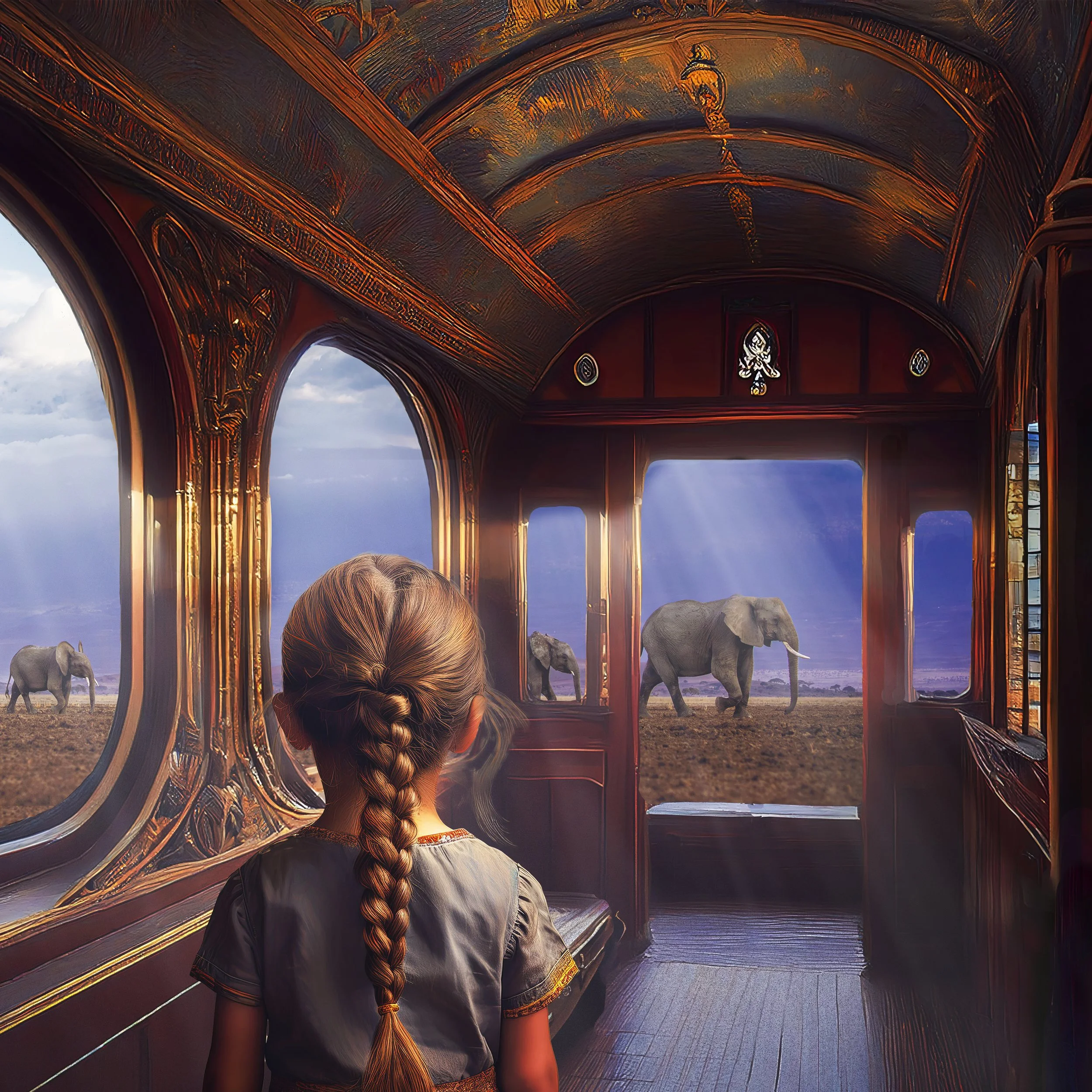
Conceptual photography allows us to see the world through emotions, as one would in a painting, as layered with meaning despite the two-dimensional nature of images. I began exploring conceptual photography with a couple of the images in my “Painted Photograph” Series. Those were “Reflection” and “Looking Back”.
Then I began to explore AI and saw it as a tool to dive deeper into Conceptual Photography. I have never been a fan of AI art until I discovered Jonas Peterson and his first AI series, “Youth is Wasted on the Young”. You can find his IG account here. I love his imagination and sense of humor as he creates his whimsical surreal portraits. I especially love his use of color. Jonas launched his first AI series in 2023. Here is an IG post of his that explains how he invited these images into his craft and how he uses them as a storyteller.
I believe photography is storytelling and AI allows photographers another tool to make their photographs come to life. So, let me tell you how I happened to add this new tool to my storytelling arsenal.

My dive into AI for my own work began as I was going through images from our safari in Kenya. I was putting together a new series called “Wild and Free” and needed to create some room mockups for my new. I became discouraged after searching through the mockup software I had plus looking online for more and not finding anything that I really liked. Then I took another look at Jonas’ print shop and realized he had created his room mockups with AI. So, I gave it a try!
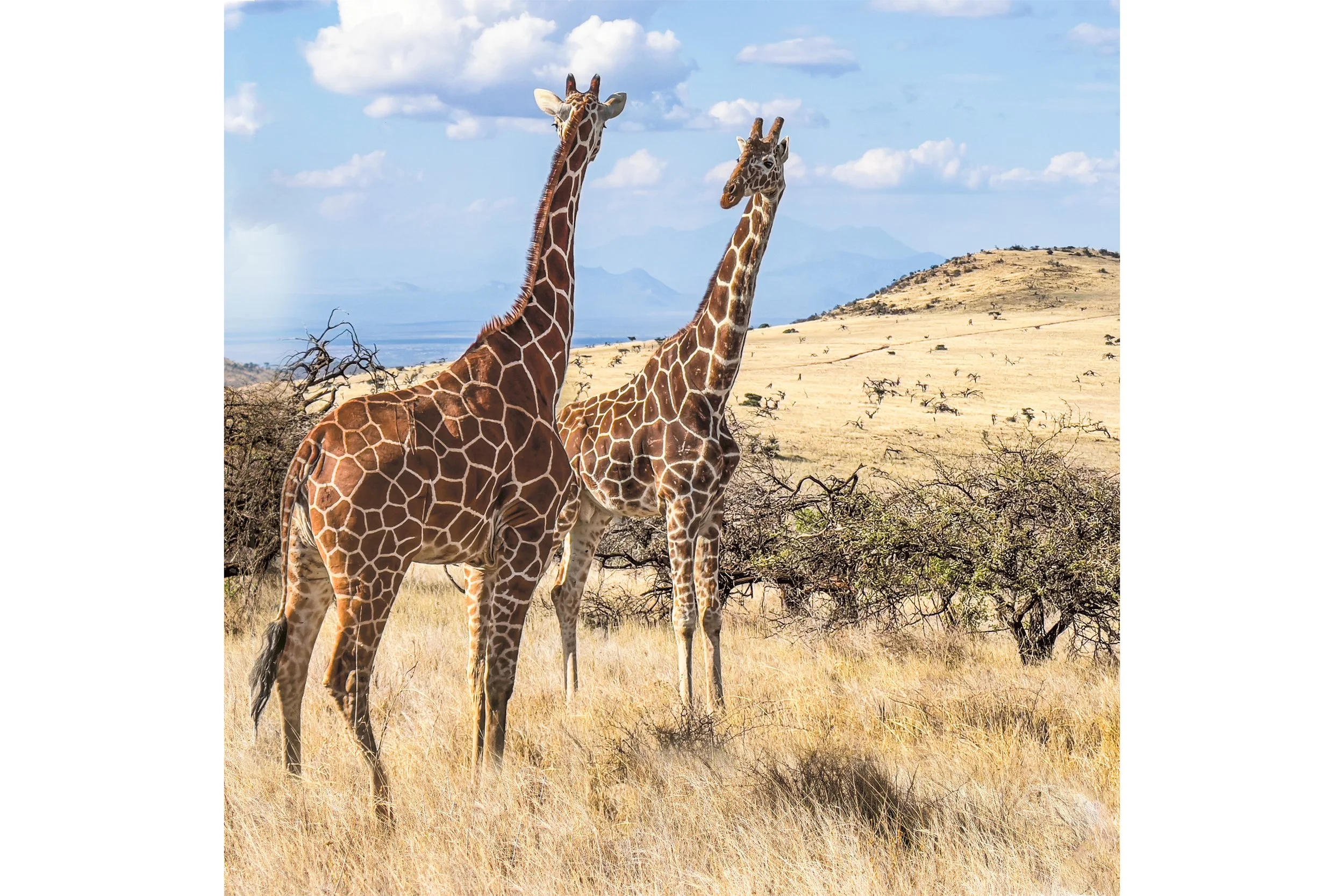
The first “room” I created was for my image “Duo” of two Reticulated Giraffe in the Lewa Conservancy in northern Kenya.
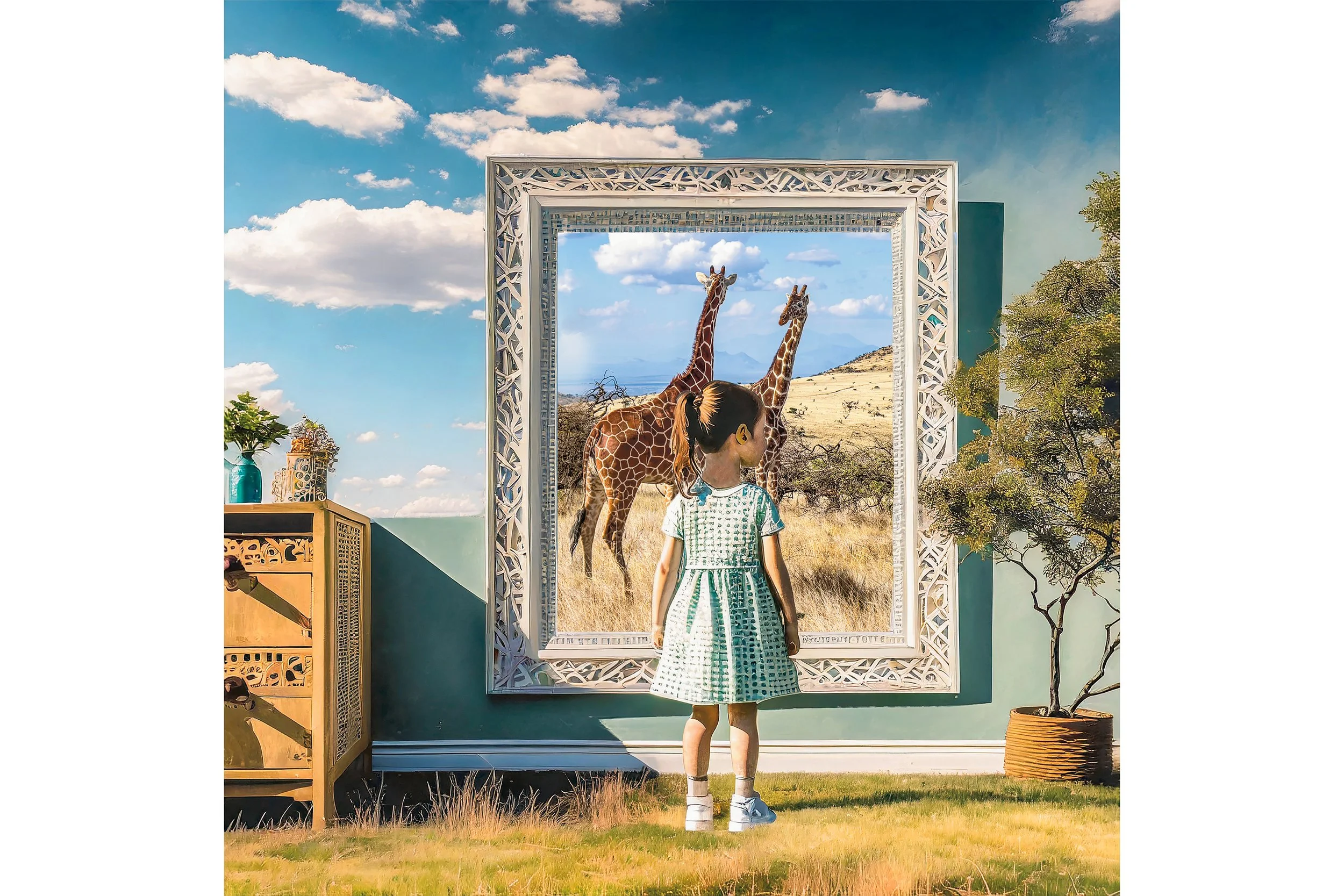
I created my first AI “room” for Duo and titled it “The Giraffe Effect”.
My process with my new creative tool:
I begin with an image I have taken with my camera and I use that image as a reference for style, adjusting the strength and intensity.
I choose various effects for the image.
I give the AI “prompts for what I want. For the Giraffe Effect image my prompts included “a little girl in a blue dress with brown hair in a ponytail; in her room looking at a large picture in a white art deco frame. AI creates four images for me to choose from.
I choose the one I like best and then ask for more images like it. Eventually, I select the one I like best.
I download it and take it into Photoshop.
Once in Photoshop I clean up the image and remove anything I don’t like or add elements with Photoshop’s AI Generative Fill tool.
After I have the image the way I like it, I add my photograph that I took with my camera and place it within the AI image by creating a separate layer for it.
Next I mask out parts of it that need to be covered by elements within the AI image. In the Giraffe Effect, I masked out parts of the giraffe to allow the little girl to be standing in front of the picture frame.
Layering and blending two images together is referred to as making a composite. My AI images are all composites of my “real” photograph and the image I created with AI using that “real” photograph as a reference. I am pleased that my AI images have been so well liked.
So, I decided to make the AI room mockups available for people to buy in this new “Conceptual Series”. I hope you enjoy them. They look good together as pairs with the original photograph and the AI composite and have included both in the Conceptual Series Shop.